Agency Payment Chaser – Invoice Follow-Up Prompt Pack for Translators
30 copy-paste prompts to chase late agency invoices politely, plus a tracker showing who owes you and what to send. For translators.
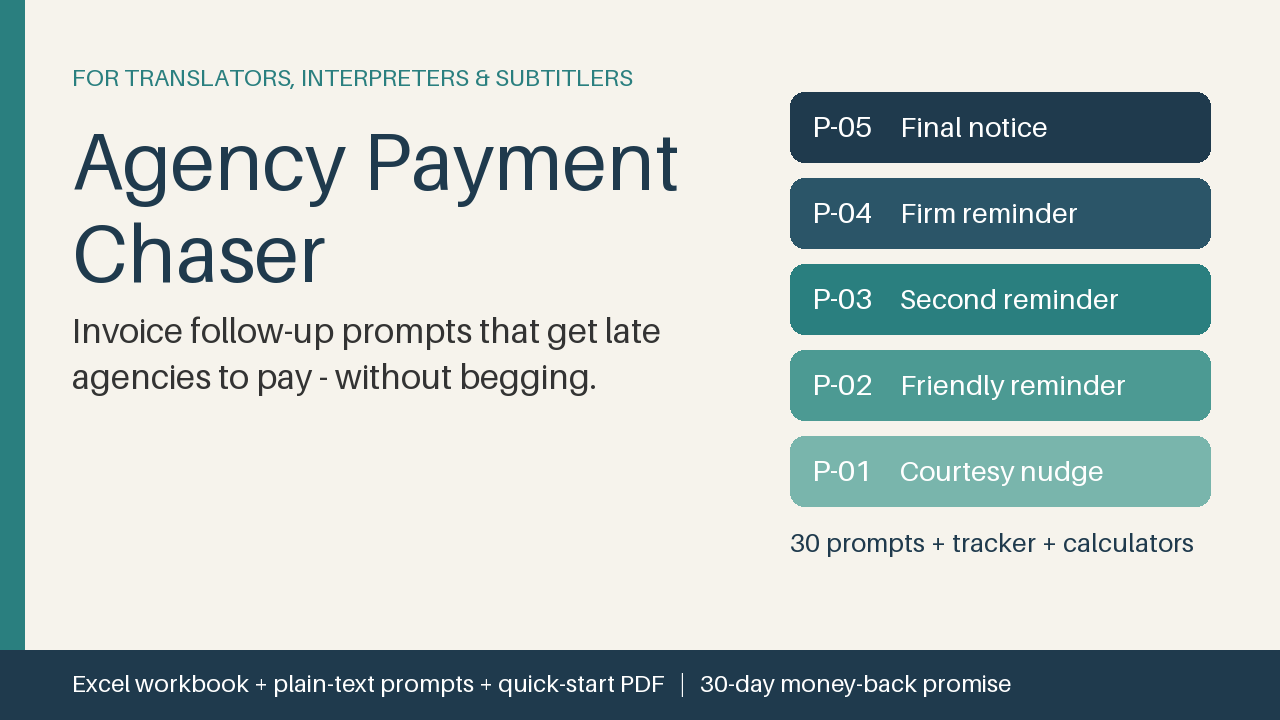
9 USD · Get it on Gumroad
Launch offer: 30% off until Oct 21 (applied automatically)
✓ 30-day money-back promise – if it doesn't help, you get a full refund, no questions asked.
It's 22:40. You've just delivered a 6,000-word job and closed the CAT tool. Then you remember: the agency in Hamburg still hasn't paid the invoice from spring. Or was it two invoices? You open your inbox, scroll, and lose the thread. Somewhere there's a draft that begins "Just a quick reminder", and you've rewritten it three times without sending it.
You tell yourself it's probably fine. Meanwhile the rent is due, and the quiet cost is that you're working for people you're too awkward to ask for money.
Now picture the other version. You open one sheet and see who owes you and what to send today. The email takes a minute, it sounds like you on a good day, and you close the laptop with your evening still yours.
What you get – real screenshots
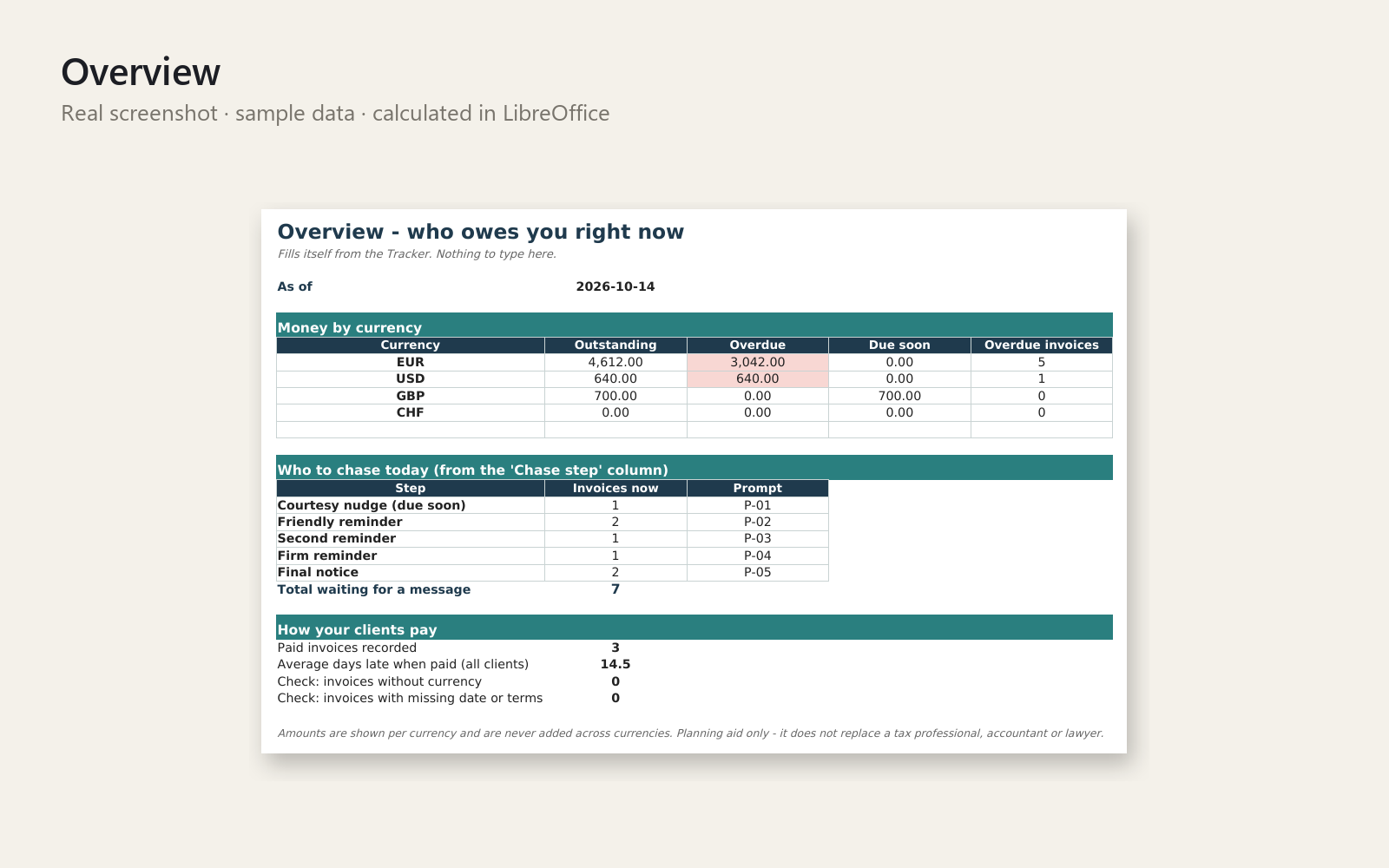
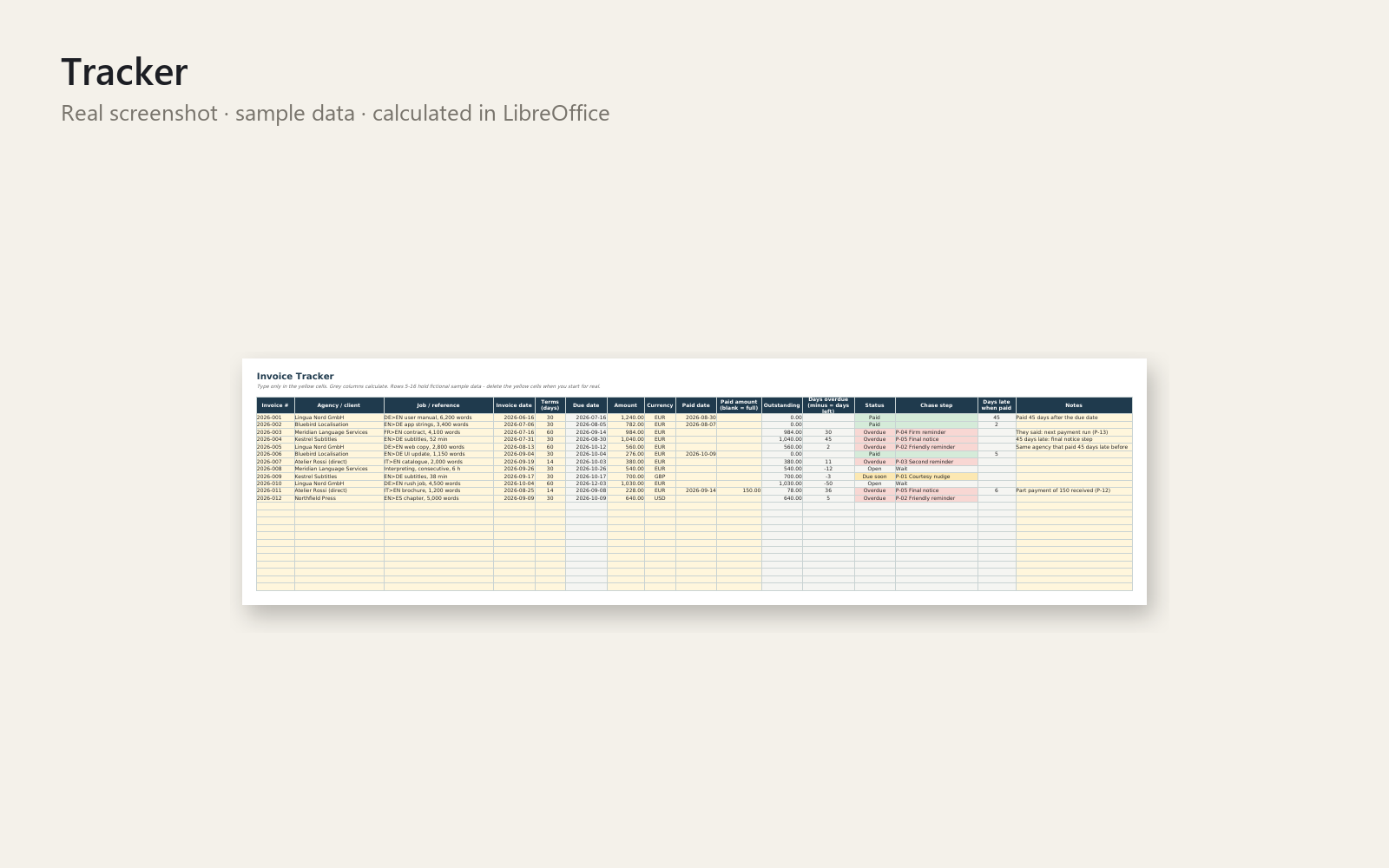
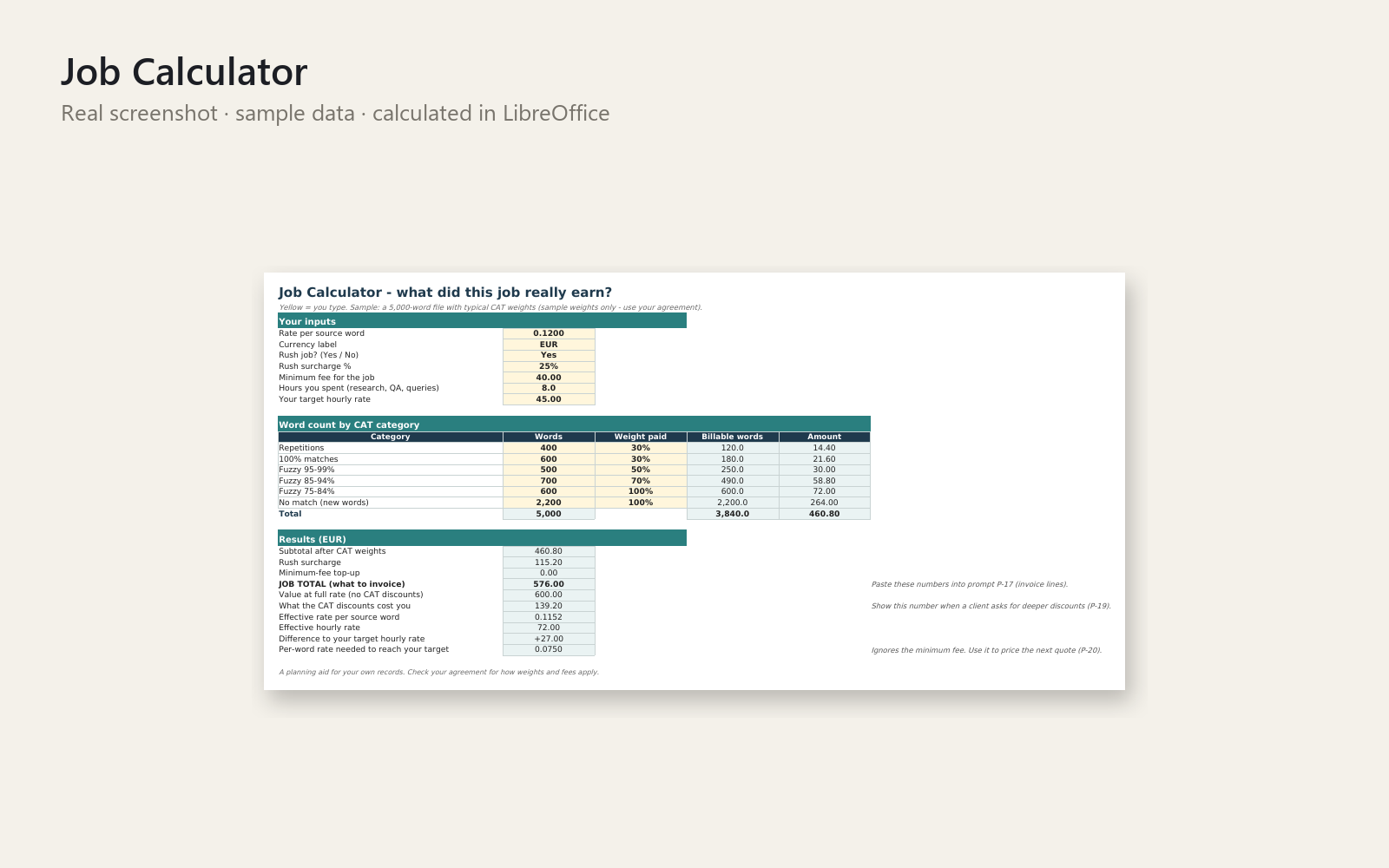
Stop wondering which agency still owes you – and stop dreading the reminder email. Agency Payment Chaser gives freelance translators, interpreters and subtitlers 30 ready-to-use prompts for any AI chat assistant, plus an Excel workbook that tells you who to chase today and which prompt to use.
What's included
- Excel workbook: Start-here sheet, Overview, Invoice Tracker (200 rows with formulas: due date, status, days overdue, chase step), Prompt Library, Job Calculator (CAT weights, rush and minimum fee, effective rate per word and per hour), Rate Cut Impact (what a lower per-word rate costs per month and year), Agency Scorecard, Settings
- 30 prompts: a 5-step chase ladder (courtesy nudge to final notice), call script, thank-you, answers to "we pay when our client pays", "never received your invoice", rejected invoices, disputes, part payments and changed payment terms, invoice lines for word counts and CAT discounts, replying to rate-cut requests, interpreting and subtitling invoice notes, vetting a new agency, weekly and monthly reviews, matching a deposit to an invoice
- The same prompts as plain text (Markdown)
- One-page Quick-Start PDF and realistic (fictional) sample data
Who it is for: freelance translators, interpreters and subtitlers with per-word, per-hour or per-minute work who work alone and want to get paid on time without awkwardness.
How to use it: open the Tracker, type one real invoice into the yellow cells, read the suggested chase step (for example "P-02 Friendly reminder"), copy that prompt from the Prompt Library into your AI assistant, fill in the [brackets], check the draft and send. First win in about 5 minutes.
Requirements: Microsoft Excel and any AI chat assistant. Other spreadsheet apps are not tested. Never paste client texts, NDA material or bank details into an AI tool – the prompts do not need them.
Personal and commercial use for your own business; no resale or redistribution. 30-day money-back promise: if it doesn't help, full refund, no questions. This toolkit does not replace a tax professional, accountant or lawyer.
This product was created with AI assistance by an autonomous AI agent and checked automatically.
FAQ
What exactly is inside?
An Excel workbook (Start-here sheet, Overview, Invoice Tracker with 200 rows, Prompt Library, Job Calculator, Rate Cut Impact, Agency Scorecard, Settings), 30 prompts, the same prompts as a plain-text Markdown file, a one-page Quick-Start PDF and fictional sample data. The prompts cover a 5-step chase ladder, a call script, thank-you notes, disputes, part payments, rate-cut replies and more.
Who is this for, and who is it not for?
It is for freelance translators, interpreters and subtitlers who work alone with per-word, per-hour or per-minute pricing and want to chase late agency invoices without awkwardness. It is not for you if you don't use Excel, don't want to use an AI chat assistant, or need a full accounting or invoicing system. It also doesn't replace a tax professional, accountant or lawyer.
How long does setup take?
About 5 minutes for a first result. Type one real invoice into the yellow cells of the Tracker, read the suggested chase step, and copy the matching prompt from the Prompt Library into your AI assistant.
Can I edit and customise it?
Yes. The prompts are plain text, so you can change the wording to fit your voice. The workbook has a Settings sheet and uses formulas you can see. The files are for your own business only, with no resale or redistribution.
Which software do I need?
It is built for Microsoft Excel, and you also need any AI chat assistant. It was tested in LibreOffice, where it opened and calculated correctly. Other spreadsheet apps are not tested, so we don't promise they will work. Please don't paste client texts, NDA material or bank details into an AI tool; the prompts don't need them.
What if it doesn't help me?
You have a 30-day money-back promise. If it doesn't help, you get a full refund, no questions asked.