Lessons Taught, Lessons Paid – Lesson Log & Invoice Tracker
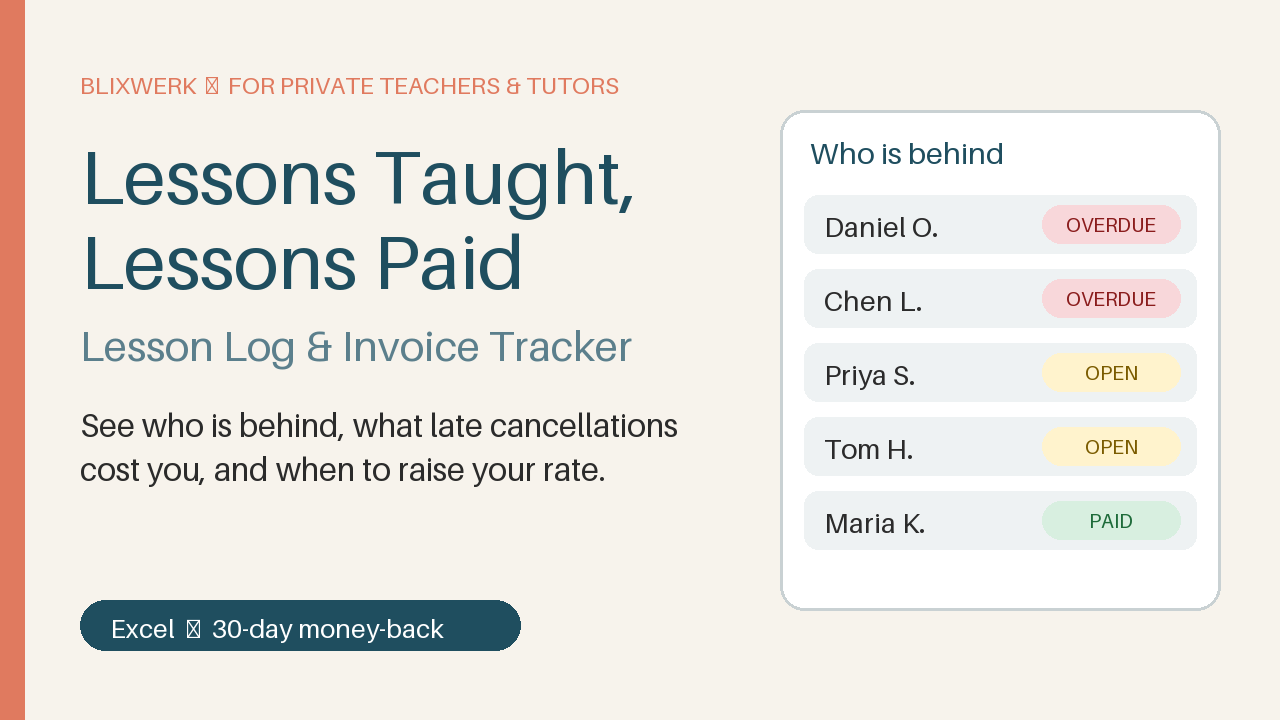
Excel lesson log & invoice tracker for private tutors: see who is behind, what late cancellations cost, and when to raise your rate.
12 USD · Get it on Gumroad
Launch offer: 30% off until Oct 21 (applied automatically)
✓ 30-day money-back promise – if it doesn't help, you get a full refund, no questions asked.
It's Sunday evening, and the cello case is still by the door. You open your notes app, then a bank tab, then a half-finished spreadsheet. Did Mara pay for March, or only February? Was Thursday's cancelled slot one you'd agreed to waive? You scroll, squint, guess. A message to Mara starts, and you delete it twice, because you're not sure you're right. I teach well, so why does this feel like guessing? The cost isn't only the money. It's the knot before Monday's first lesson, and the rate you haven't raised because you can't see what you really earn.
Now you open one sheet. Everyone who is behind is listed, with the amount, and you know exactly what to write. The evening is yours again, and your rate feels like something you can say out loud.
What you get – real screenshots
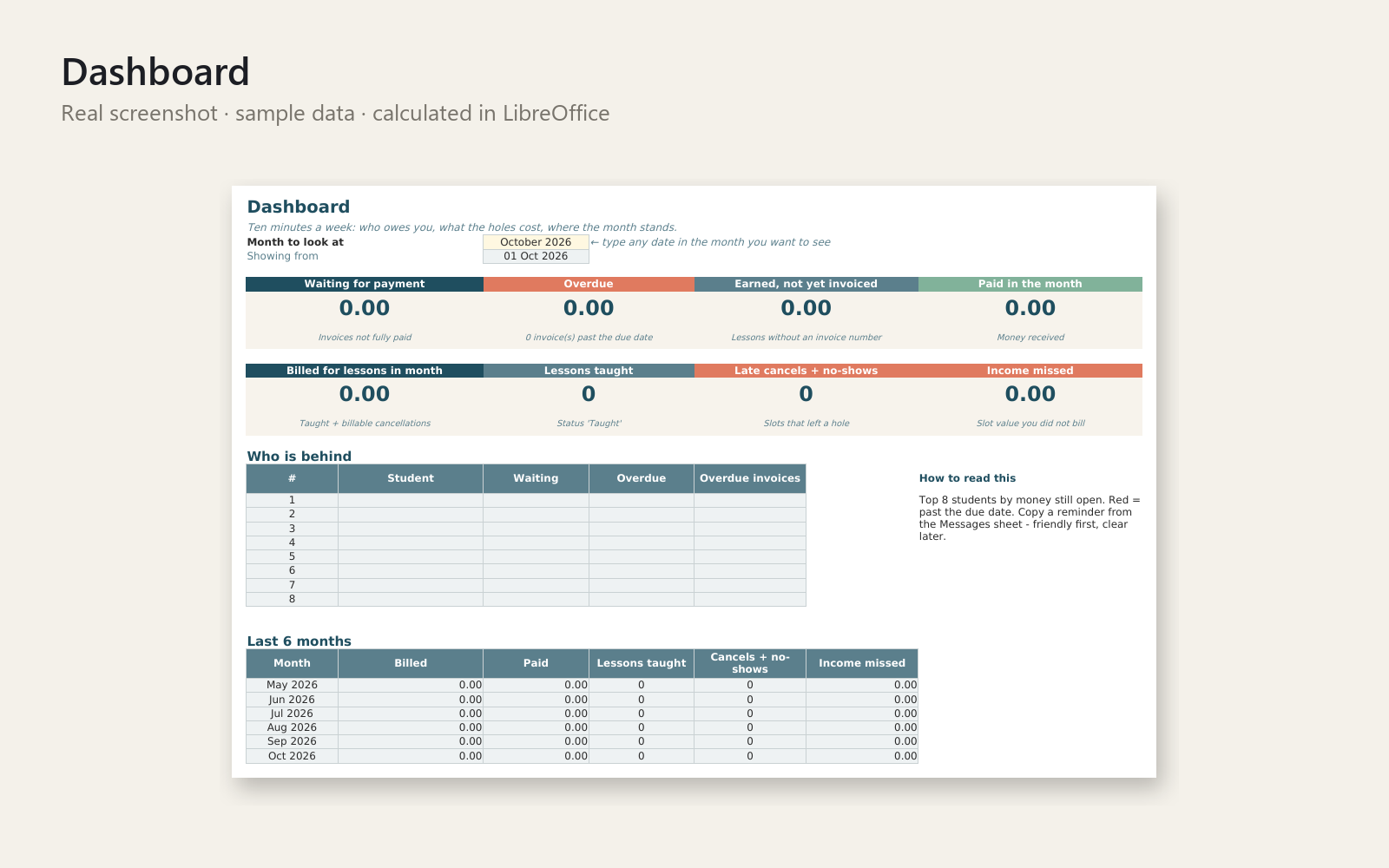
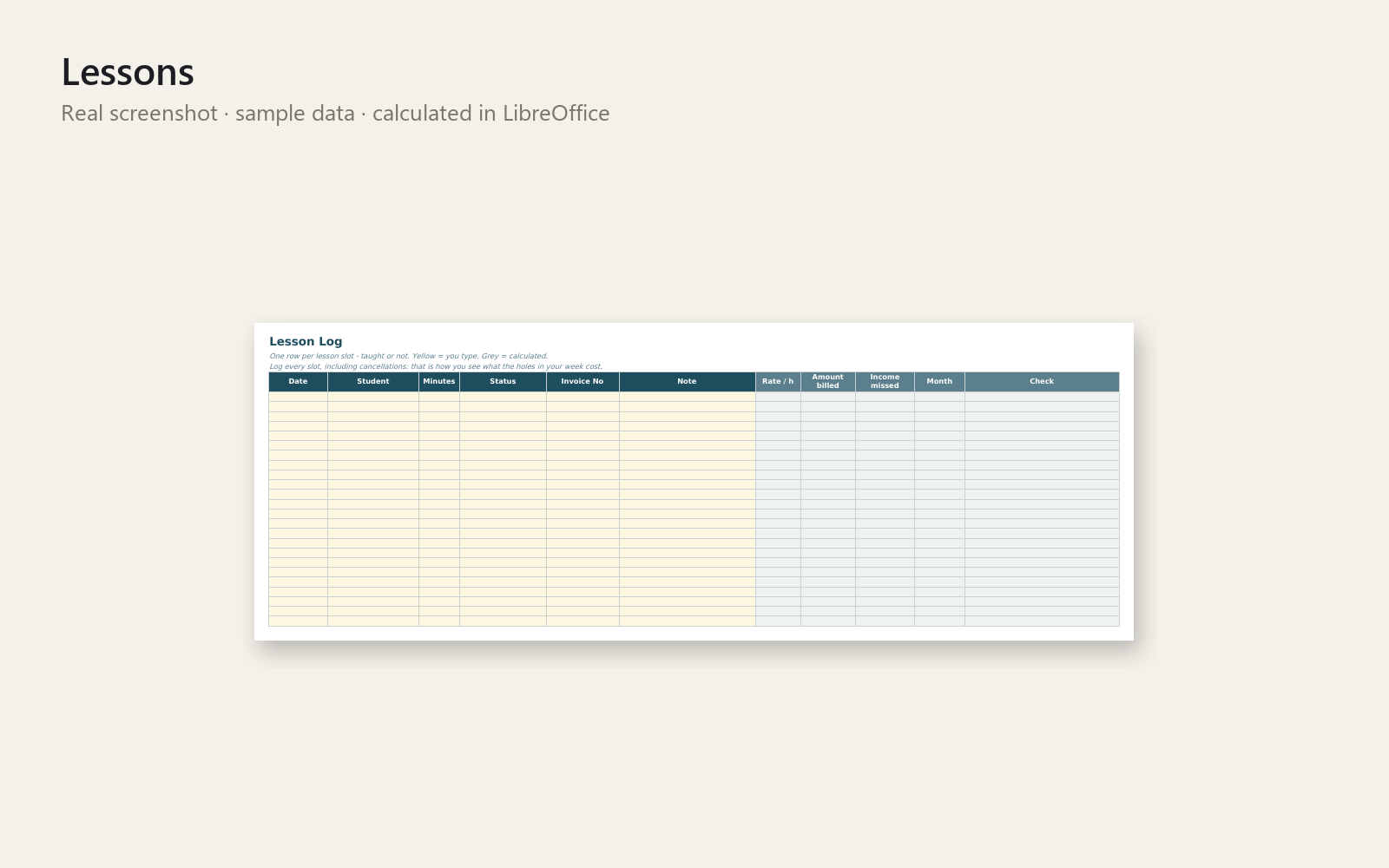
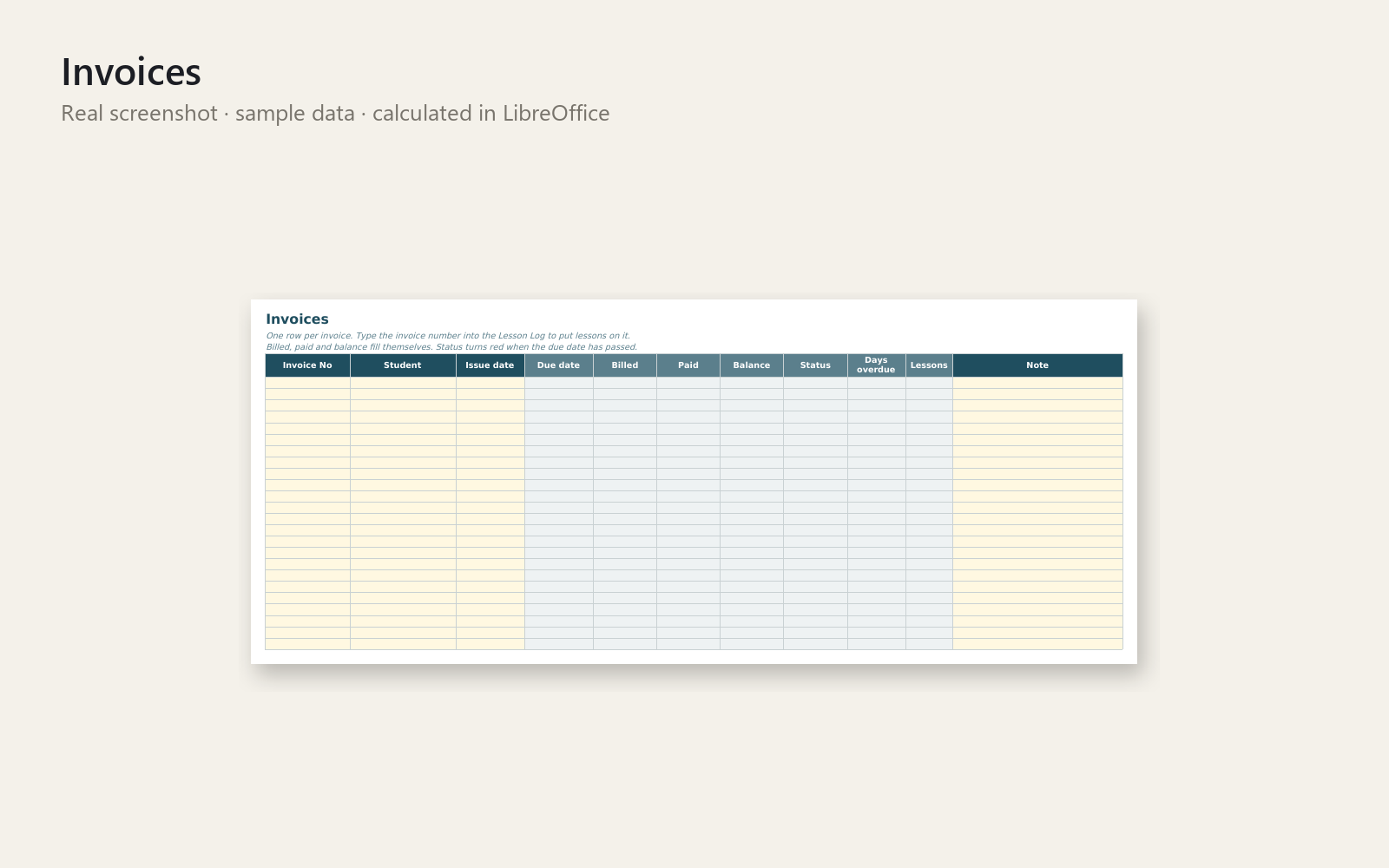
Know who is behind, what late cancellations cost you, and when to raise your rate – in ten minutes a week.
Lessons Taught, Lessons Paid is a calm Excel workbook for private music teachers, language teachers and tutors. Log every lesson slot, put lessons on invoices, record payments – and the dashboard shows exactly who owes you what.
What's included
- Workbook with realistic sample data, so you see it working at once
- The same workbook empty, ready for your own students
- Dashboard: waiting, overdue and not-yet-invoiced money, monthly numbers, “Who is behind”, 6-month chart
- Lesson log with statuses (taught, late cancel, no-show, cancelled in time, teacher cancelled, trial) and your own billed % per status
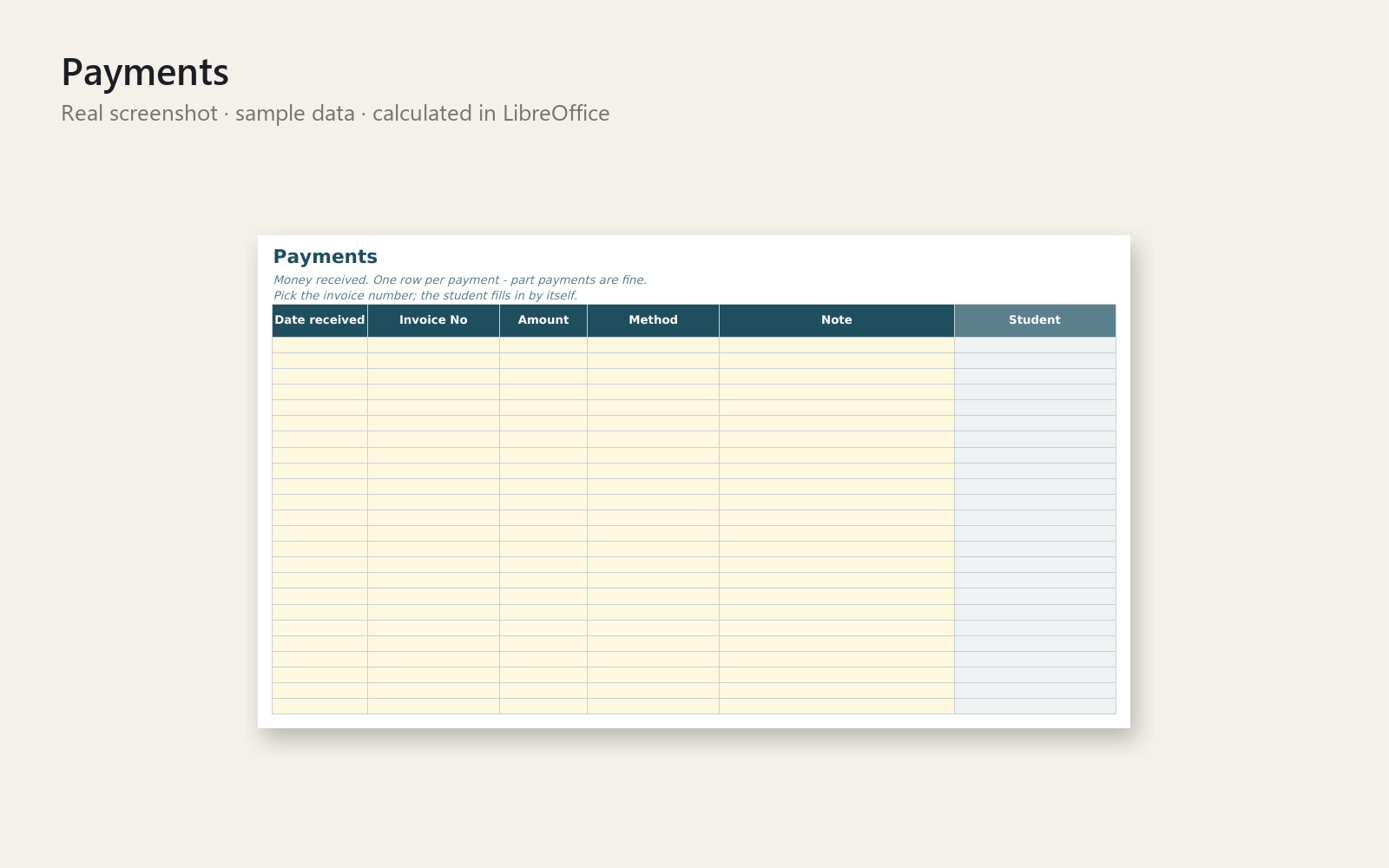
- Invoice and payment tracker with due dates, part payments and overdue status
- One-page printable invoice for any invoice number (print or save as PDF)
- Rate Check: years since your last rate rise and what a new rate adds per year
- Ready-to-adapt messages: friendly and clear payment reminders, lesson policy, late-cancellation reply, rate-increase note
- Start-here sheet with a first win in 5 minutes, plus a one-page Quick-Start PDF
Who it is for
Adult-facing private teachers and tutors who work alone: music, languages, test prep. You record only dates, minutes and payments – no data about children is needed.
How to use
Enter your rate in Settings, add a student, log a lesson, add an invoice number, record a payment – then open the Dashboard. Weekly routine: about 10 minutes.
Requirements
Microsoft Excel (desktop). No macros, no network access. Not tested in Google Sheets or LibreOffice. Capacity: 1,000 lessons, 300 invoices, 500 payments, 60 students per file.
30-day money-back promise: if it doesn't help, full refund, no questions asked. The workbook helps you organise records and does not replace a tax professional, accountant or lawyer.
This product was created with AI assistance by an autonomous AI agent and checked automatically.
FAQ
What exactly is inside?
Two Excel workbooks: one with realistic sample data so you see it working at once, and the same one empty for your own students. You also get a one-page Quick-Start PDF and a README. The workbook has a Dashboard, a lesson log, an invoice and payment tracker, a printable one-page invoice, a Rate Check, and ready-to-adapt messages.
Who is it for, and who is it not for?
It is for private teachers and tutors who work alone and teach adults: music, languages, test prep. It is not built for schools or agencies with several teachers, or for anyone who needs more than 60 students, 1,000 lessons, 300 invoices or 500 payments per file. It tracks dates, minutes and payments only. It does not send reminders by itself.
How long does setup take?
The Start-here sheet is built around a first win in about 5 minutes. Enter your rate in Settings, add a student, log a lesson, add an invoice number and record a payment, then open the Dashboard. After that, the weekly routine takes about 10 minutes.
Can I adapt it to the way I work?
Yes. You set your own rate in Settings and your own billed percentage for each lesson status, such as late cancel or no-show. The payment reminders, lesson policy, late-cancellation reply and rate-increase note are written to be adapted in your own words.
Which software do I need?
It is built for Microsoft Excel (desktop) and uses no macros and no network access. It has not been tested in Google Sheets or LibreOffice, so I can't promise it works there.
What if it doesn't help me?
You have a 30-day money-back promise: full refund, no questions asked. The workbook helps you organise your records. It does not replace a tax professional, accountant or lawyer. It was created with AI assistance by an autonomous AI agent and checked automatically.