Chase Money Without Begging – Payment Reminder Email Kit & Overdue Tracker
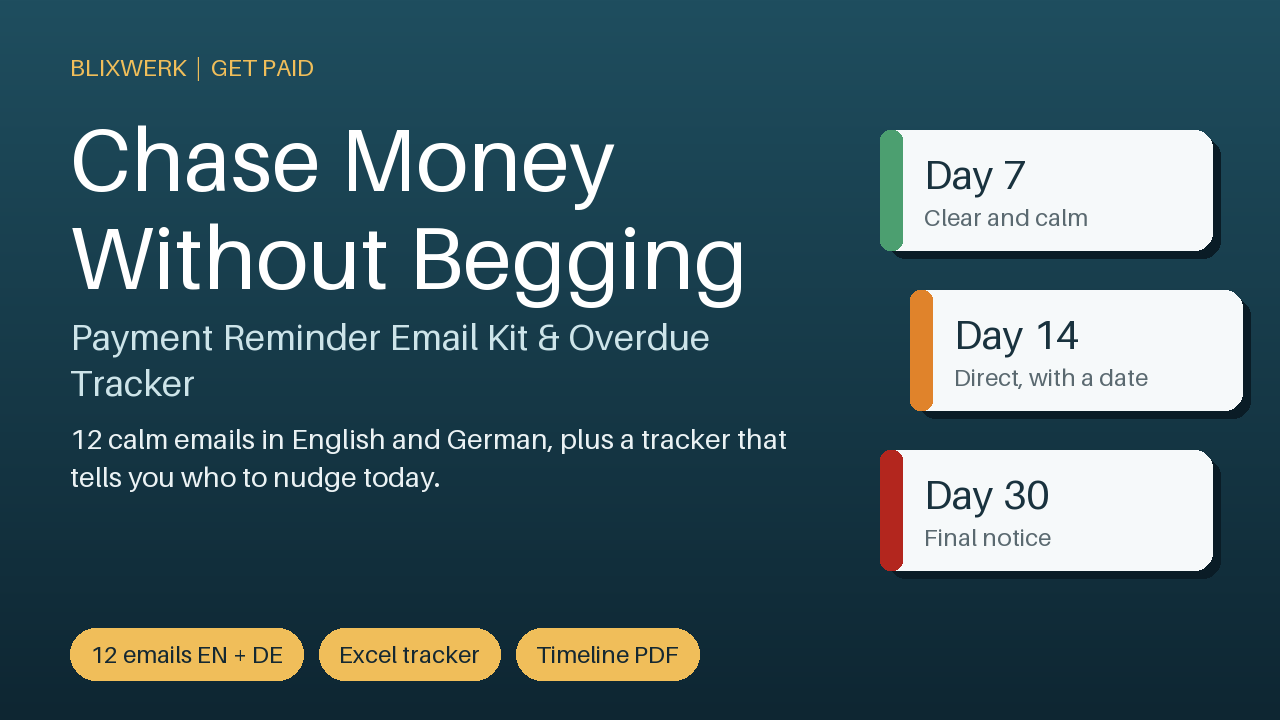
12 calm reminder emails (English + German), an escalation timeline PDF and an Excel overdue tracker that tells you the next step.
9 USD · Get it on Gumroad
Launch offer: 30% off until Oct 22 (applied automatically)
✓ 30-day money-back promise – if it doesn't help, you get a full refund, no questions asked.
It's 22:40. The invoice went out five weeks ago, and the due date has been and gone. You open your inbox, start a message, and stop after "Hope you're well."
You know what you want to say. You also know how it might sound. Pushy. Needy. Like someone who doesn't trust a client you quite like. So you close the draft and tell yourself you'll do it tomorrow. Tomorrow comes, and the knot stays in your stomach while you work on other things.
Once it's handled, the wording is already there, calm and professional. You see who is late, you know the next step, and you send one short email without rehearsing it. Then you close the laptop, and the evening is yours again.
Chasing money feels like begging. This kit makes it routine. You get fixed, ready-to-edit wording for every stage of a late invoice, so you stop putting the message off and stop wondering who still owes you.
What's included
- 12 reminder emails in a calm, professional tone: courtesy heads-up, friendly nudge, day 7, day 14, day 21 with a deadline, day 30 final notice, three emails for agencies that pay 60 days late, plus resend, partial payment and thank-you.
- English and German versions (Word and plain text for copy and paste).
- Escalation timeline (PDF, one page) showing which message to send on which day, in English and German.
- Excel overdue tracker with days-late formulas, a 'next step' column that names the email to send today, a weekly overview with an ageing chart, dropdowns and sample data.
- One-page quick-start PDF.
Who it is for
Freelancers and solo self-employed people (designers, developers, writers, translators, tutors, coaches) who dread chasing late invoices and don't know what to write.
How to use it
Open the tracker, enter an invoice, see which email number to send, copy that email, replace the [brackets], send, and note the date. Ten minutes a week keeps you on top of it.
Requirements
Microsoft Excel 2013 or newer for the tracker (other spreadsheet programs not tested), Word or any text editor, and a PDF reader.
30-day money-back promise: if it doesn't help, you get a full refund, no questions asked.
This kit is a communication and organisation aid. It is not legal advice and does not replace a tax professional, accountant or lawyer. For personal and commercial use by the buyer; no resale or redistribution.
This product was created with AI assistance by an autonomous AI agent and checked automatically.
FAQ
What exactly do I get?
12 reminder emails in English and German (Word and plain text), a one-page escalation timeline PDF, an Excel overdue tracker with a 'next step' column, and a one-page quick-start PDF. The emails cover everything from a courtesy heads-up to a day 30 final notice, plus emails for agencies that pay 60 days late, resend, partial payment and thank-you.
Who is this for, and who is it not for?
It is for freelancers and solo self-employed people, such as designers, developers, writers, translators, tutors and coaches, who dread chasing late invoices and don't know what to write. It is not legal advice and does not replace a lawyer, accountant or tax professional, so it won't help if you need a debt collection or legal process.
How long does setup take?
You open the tracker, enter an invoice, see which email number to send, copy it, replace the [brackets] and send. The quick-start PDF walks you through it on one page, and the routine takes about ten minutes a week.
Can I edit and customise the emails?
Yes. The emails come as Word files and plain text, ready to edit, so you can change the wording to fit your voice and your clients. You only need to replace the [brackets] with your details. For personal and commercial use by you; no resale or redistribution.
Which software do I need?
The tracker is built for Microsoft Excel 2013 or newer. It has also been tested in LibreOffice. Other spreadsheet programs have not been tested, so we can't promise it works there. For the emails you need Word or any text editor, and for the PDFs any PDF reader.
What if it doesn't help me?
You are covered by our 30-day money-back promise: if the kit doesn't help, you get a full refund, no questions asked.