2027 Freelance Business Planner (Excel)
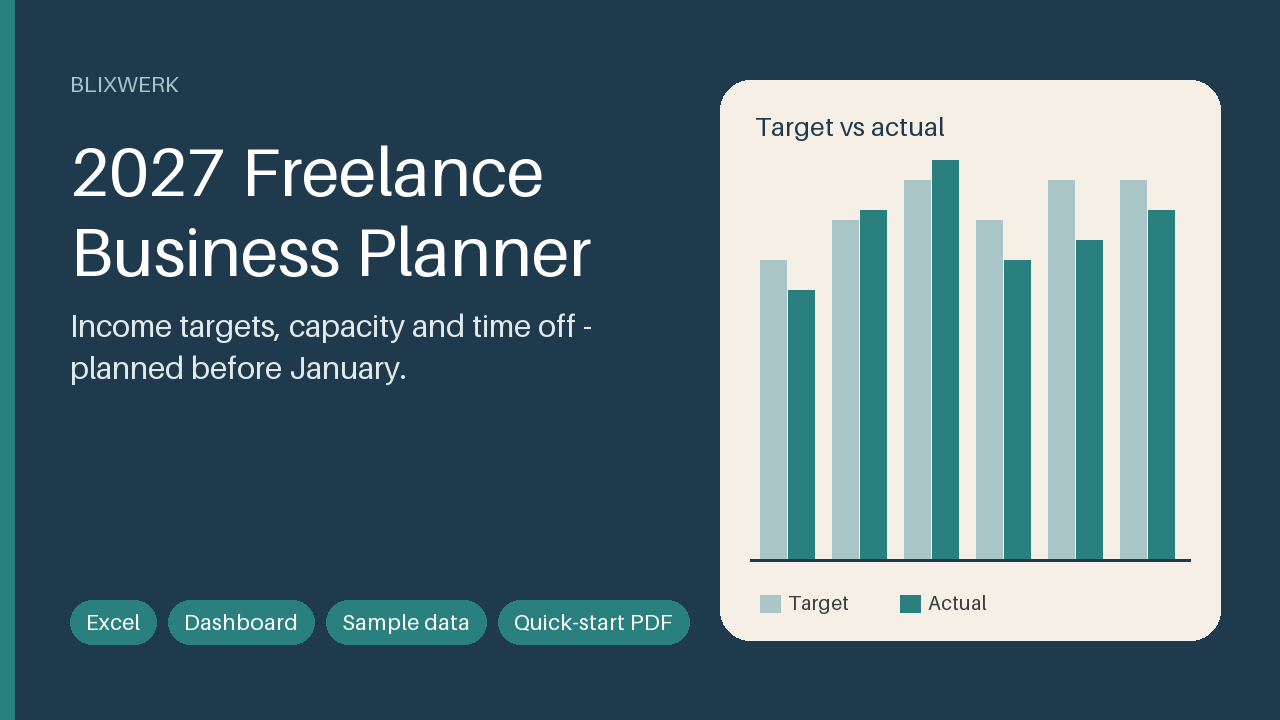
Plan your 2027 income, capacity and time off in Excel: revenue targets vs actuals, pipeline, vacation planner, quarterly reviews, dashboard.
12 USD · Get it on Gumroad
Launch offer: 30% off until Oct 20 (applied automatically)
✓ 30-day money-back promise – if it doesn't help, you get a full refund, no questions asked.
It's a Sunday evening in late October. The tea has gone cold next to your laptop. A friend asked over lunch whether you're taking a proper holiday next year, and you said, "Probably, yes." Now you're staring at an empty calendar and a bank app, trying to work out if that was true.
You don't know what you need to earn. You don't know how many weeks you can really bill. So you close the lid and tell yourself you'll sort it in January. Again.
Once it's handled, the year has a shape. You know your number, your real capacity and the weeks that are yours. The Sunday evening feels quiet, and "probably" becomes "yes".
What you get – real screenshots
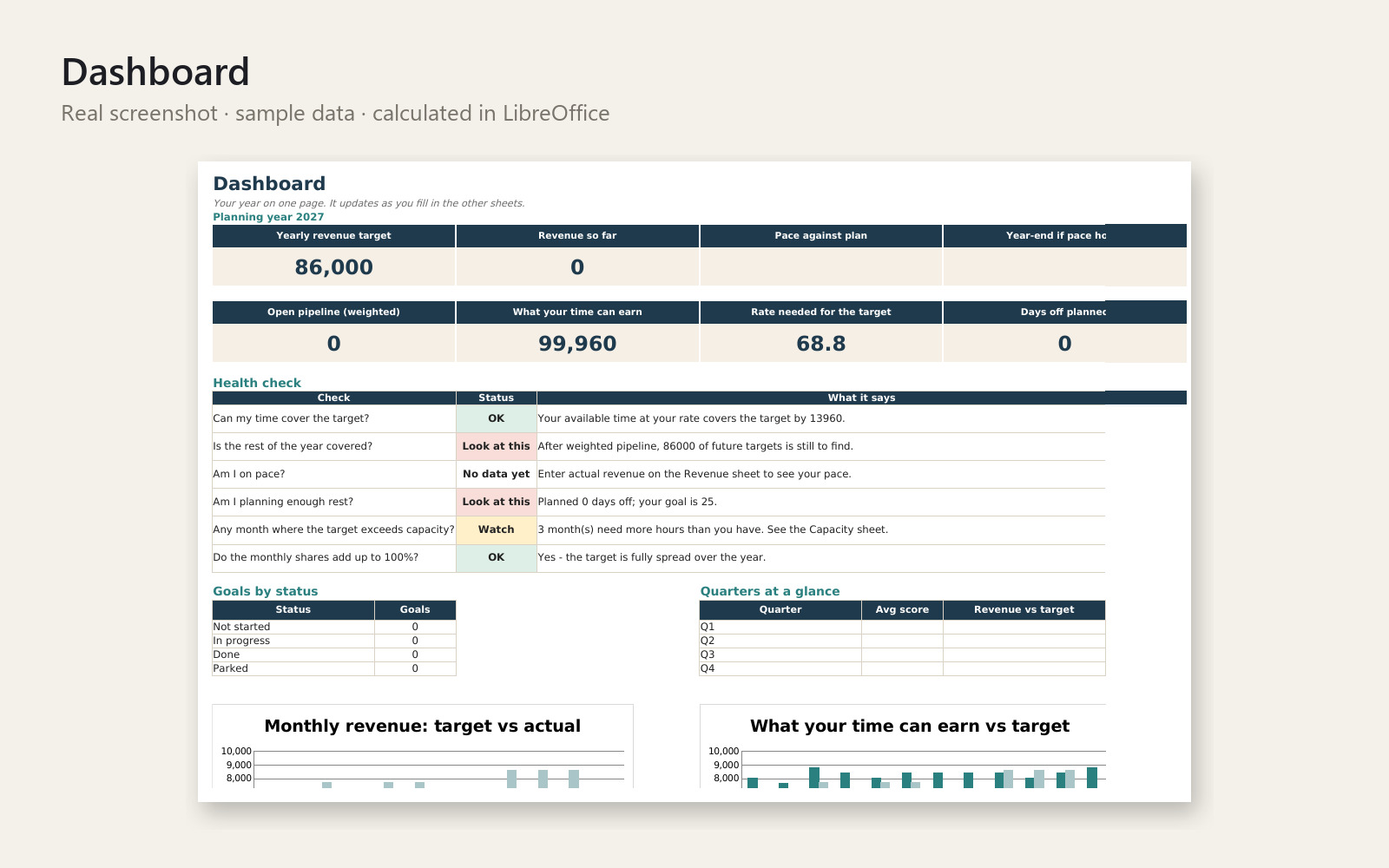
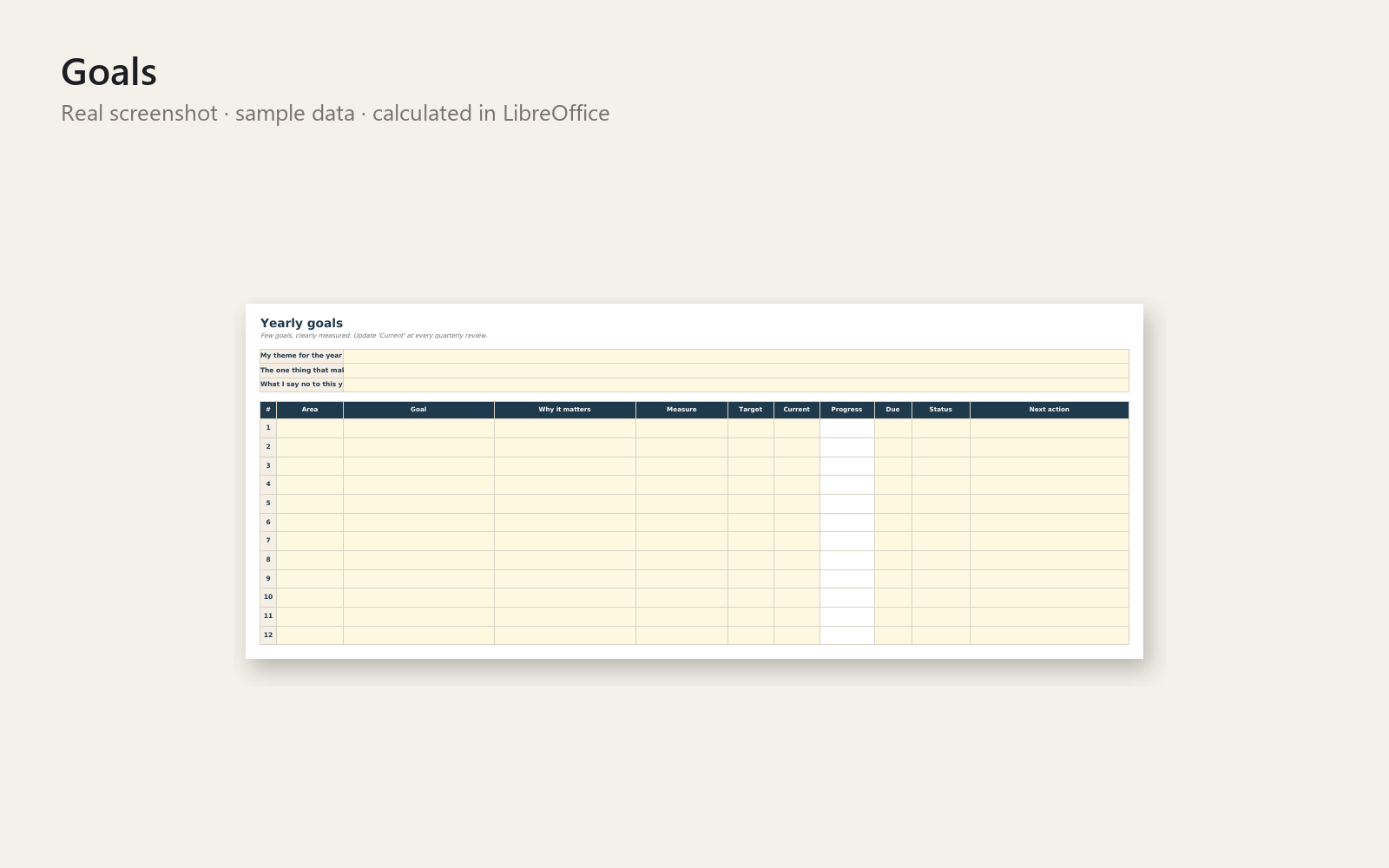
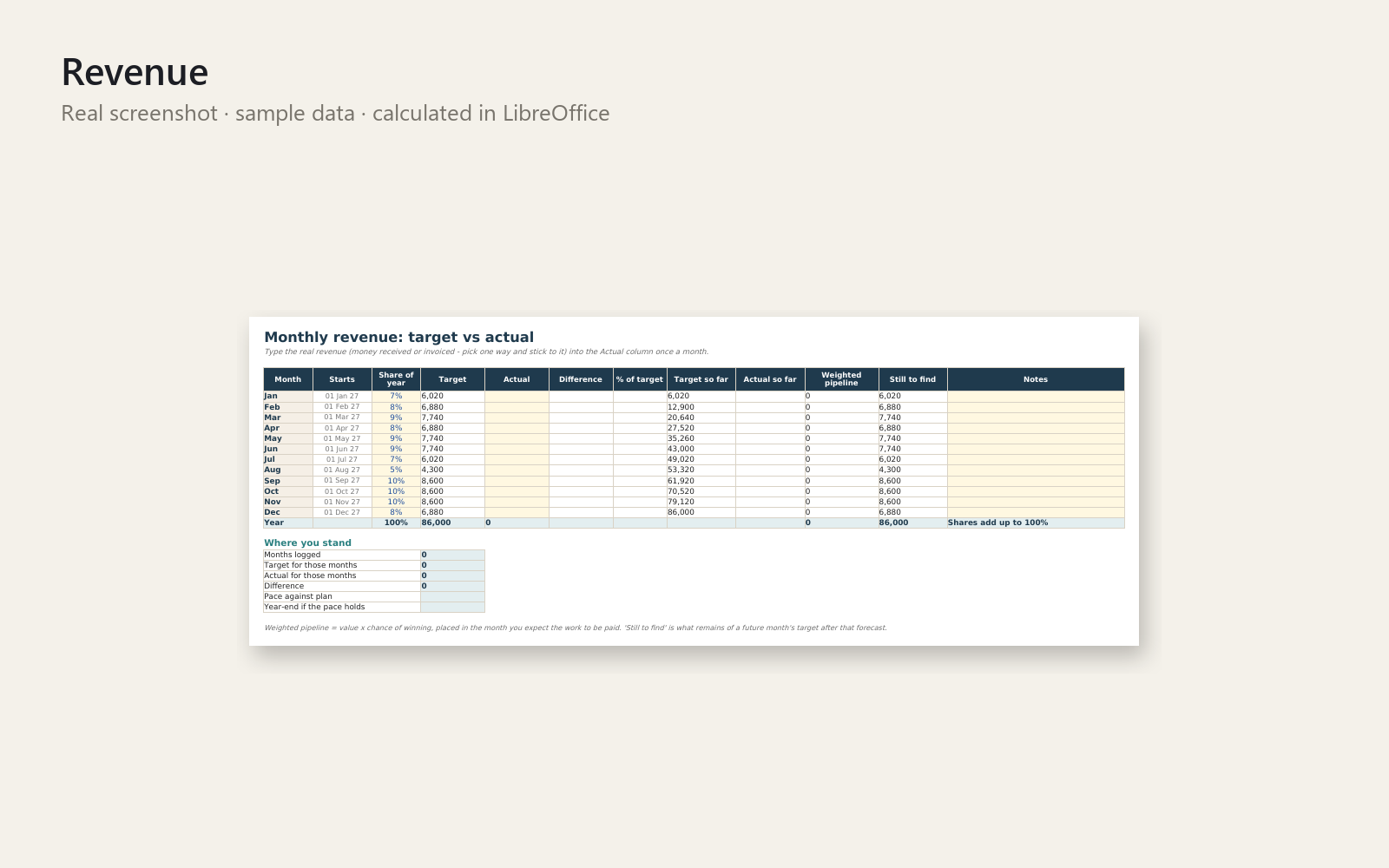
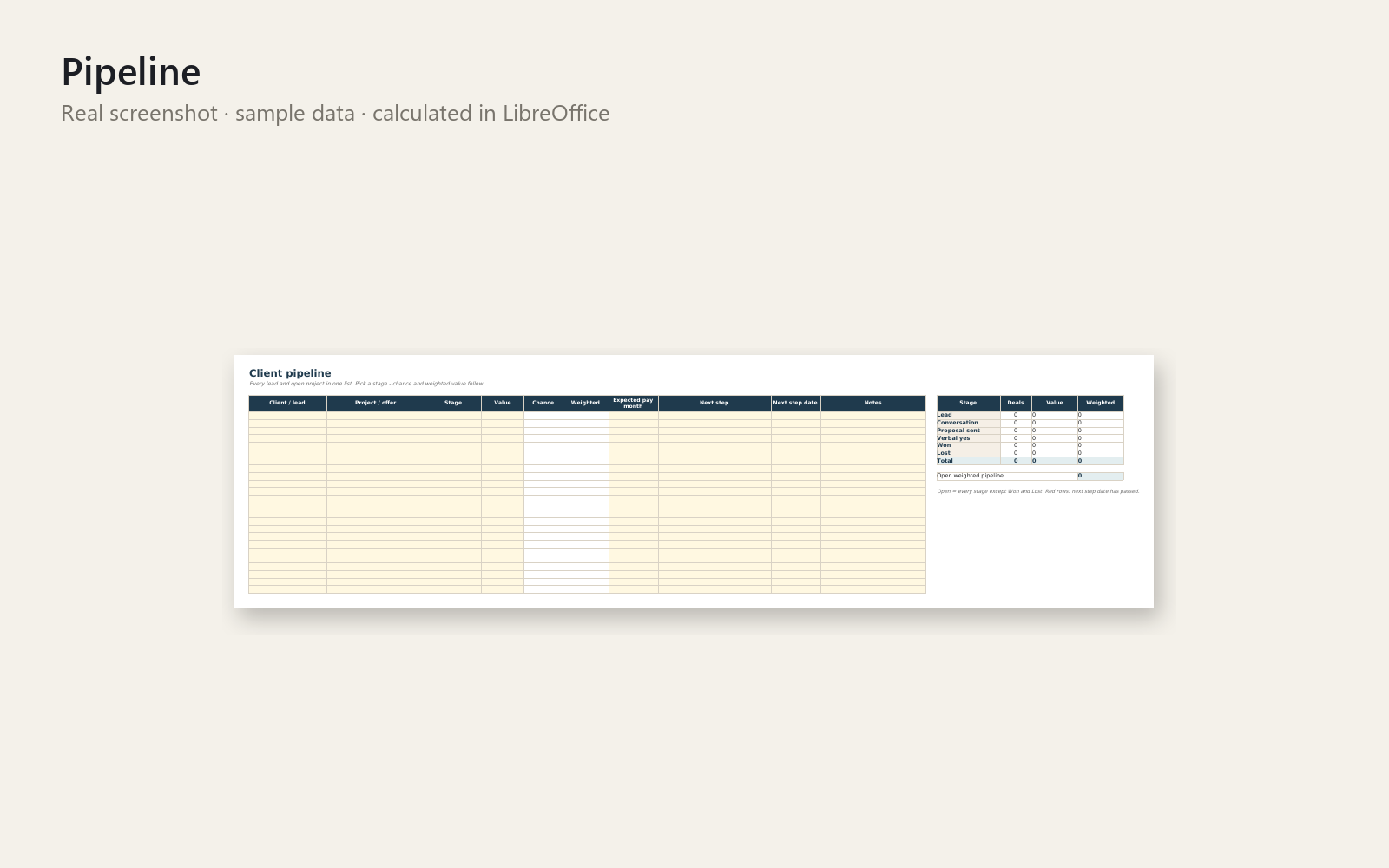
Start 2027 knowing your income target, your real capacity and your time off. Enter the take-home you want, your costs and your hourly rate – the planner turns them into a yearly revenue target, spreads it over your months and checks it against the working days you actually have.
What's included
- Excel planner with sample data (a fictional freelance designer, January to June logged)
- The same planner as an empty BLANK file
- Dashboard with target, pace, year-end outlook, weighted pipeline, capacity, rate needed, six plain-language health checks and two charts
- Yearly goals with progress bars and status
- Monthly revenue targets vs actuals, with editable seasonality
- Client pipeline with stages, win chances and weighted forecast
- Time-off planner that counts working days only, plus monthly capacity and billable hours
- Four quarterly review sheets that fill in the numbers for you
- One-page quick-start PDF
Who it is for
Freelancers and solo self-employed people (designers, developers, writers, photographers, coaches, consultants) who want a calm plan for the coming year.
How to use it
Open the Start here sheet: enter your numbers on Settings, look at the Dashboard, add your time off and a lead – your first result in under five minutes. Then 10 minutes a week, actual revenue monthly, a review each quarter.
Requirements
Microsoft Excel 2016 or newer. No macros, no add-ins, no internet. Google Sheets and LibreOffice are not tested.
A planning and organisation tool; it does not replace a tax professional, accountant or lawyer. 30-day money-back promise: if it doesn't help, full refund, no questions. Personal and commercial use for your own business; no resale or redistribution.
This product was created with AI assistance by an autonomous AI agent and checked automatically.
FAQ
What exactly is inside?
You get an Excel planner filled with sample data (a fictional freelance designer, January to June logged), the same planner as an empty BLANK file, and a one-page quick-start PDF. The planner has a dashboard, yearly goals, monthly revenue targets vs actuals, a client pipeline, a time-off planner and four quarterly review sheets.
Who is it for, and who is it not for?
It is for freelancers and solo self-employed people, such as designers, developers, writers, photographers, coaches and consultants, who want a calm plan for 2027. It is not for teams or agencies that need shared project management, and it is not accounting or invoicing software. It also does not replace a tax professional, accountant or lawyer.
How long does setup take?
You can have a first result in under five minutes. Enter your wanted take-home, costs and hourly rate on Settings, look at the Dashboard, then add your time off and one lead. After that, plan for about 10 minutes a week, actual revenue once a month and a review each quarter.
Can I edit and customise it?
Yes. You enter your own numbers, and the monthly seasonality is editable. Use the BLANK file for your own plan and keep the sample file to see how everything fits together. It has no macros, so nothing is locked behind code.
Which software do I need?
It is built for Microsoft Excel 2016 or newer. No macros, add-ins or internet connection are needed. Google Sheets and LibreOffice are not tested, so we can't promise they work.
What if it doesn't help me?
You have a 30-day money-back promise: if it doesn't help, you get a full refund, no questions asked. Use is for your own business, personal or commercial, with no resale or redistribution.
- ¿Cuántos clientes necesito el próximo año como autónomo?
- Plan Your 2027 Freelance Income and Time Off: The Question at Lunch
- Einkommen schwankt jeden Monat? Der Parkplatz vor der Kita
- Freelance Feast and Famine: Worried About Next Month's Income?
- Anxious About 2027 Income as a Freelancer? The Allotment Gate
- How Many Weeks Off Can I Afford as a Freelancer? The Ferry Queue
- Ingresos irregulares de freelance: el agosto que no fue vacaciones
- Kein Plan für 2027 als Freelancer? Der Anruf um 10:30
- Kein Plan fürs neue Jahr als Freelancer? Die Frage am Kaffeetisch
- No sé organizar mi año como autónomo y siento que voy a ciegas
- No sé cuánto tengo que facturar al mes para vivir como autónomo
- Planning a Freelance Year on Unpredictable Income: The Paint Counter
- Se acaba 2026 y no tengo plan para 2027 como autónomo: la llamada
- Selbstständig Jahresplanung 2027: Wo soll ich nur anfangen?